
v 1.2.1
Videos in PrestaShop Product Gallery
Add YouTube and Vimeo videos to product galleries.
Add YouTube and Vimeo videos to product galleries.
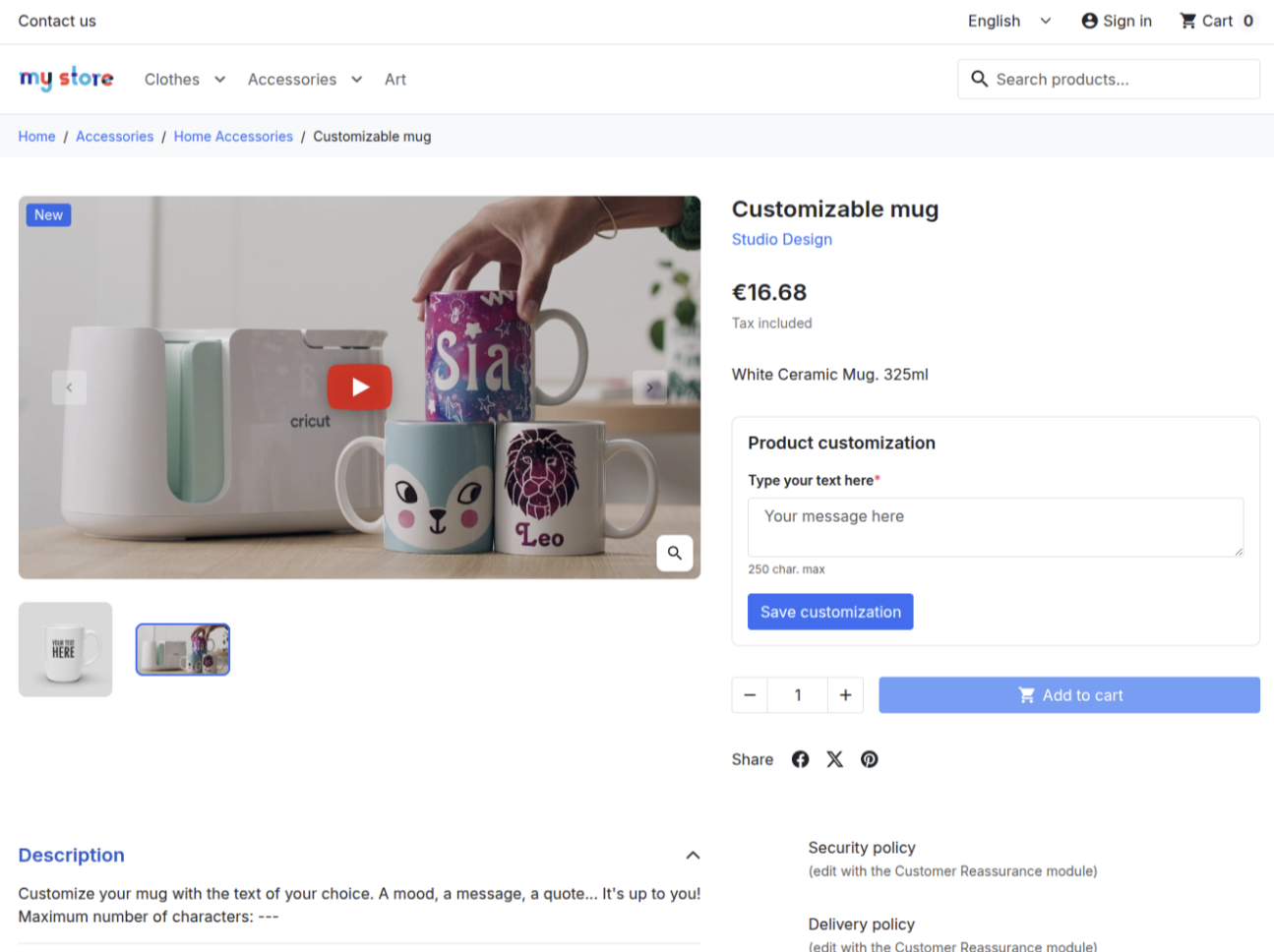
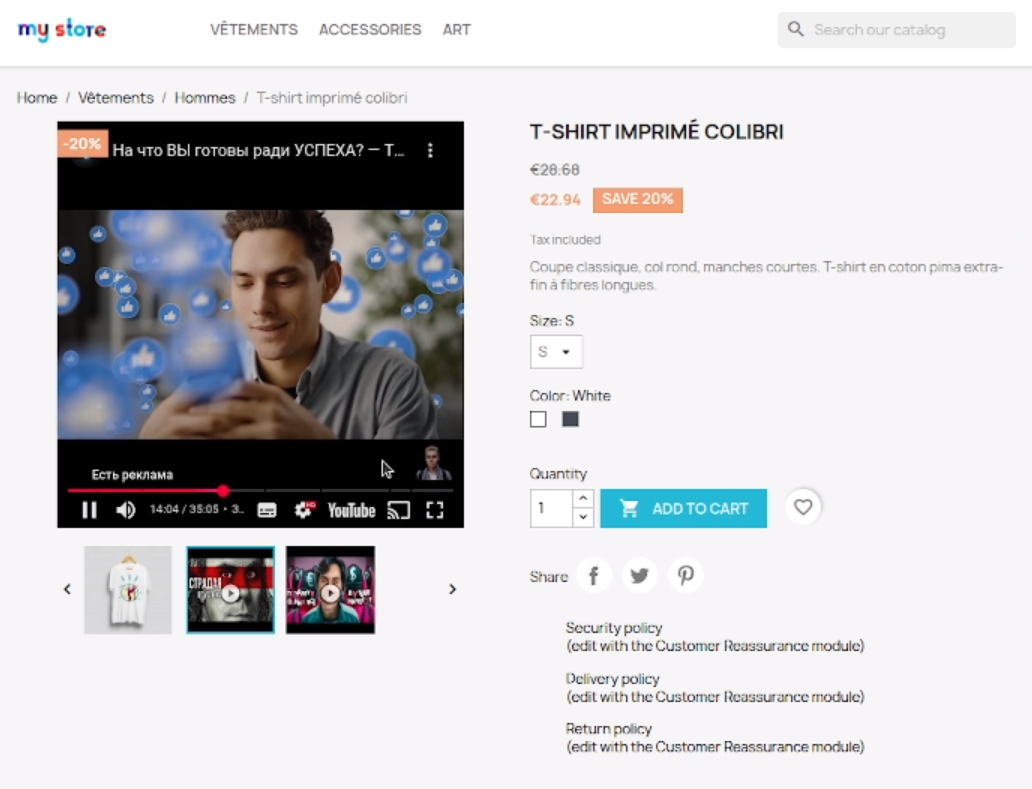
The Videos in PrestaShop Product Gallery module allows the integration of YouTube and Vimeo videos directly into the product gallery. This enables customers to better understand product features and functionality by viewing instructions, reviews, or promotional materials alongside images. Videos are displayed responsively, ensuring proper functionality across various devices.
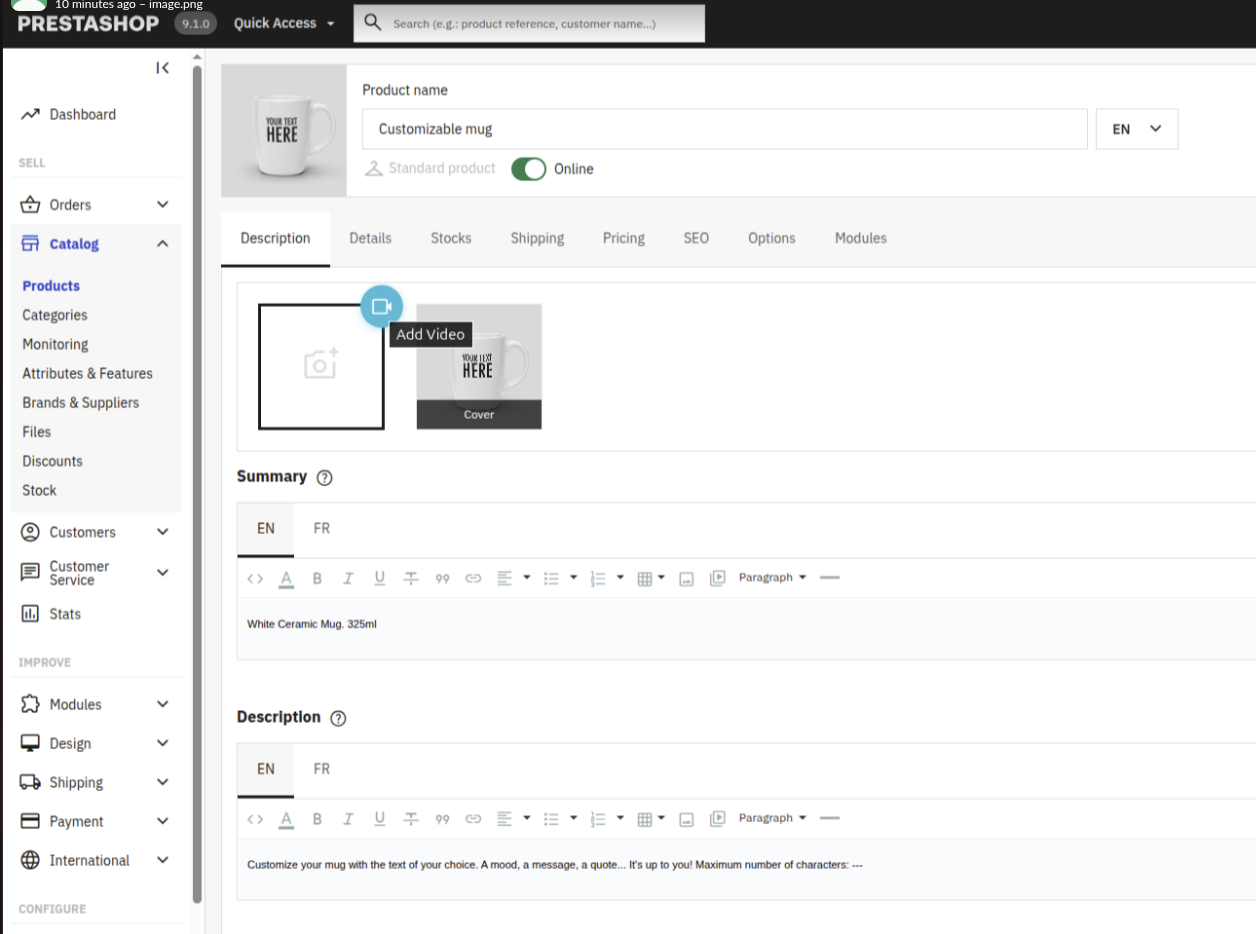
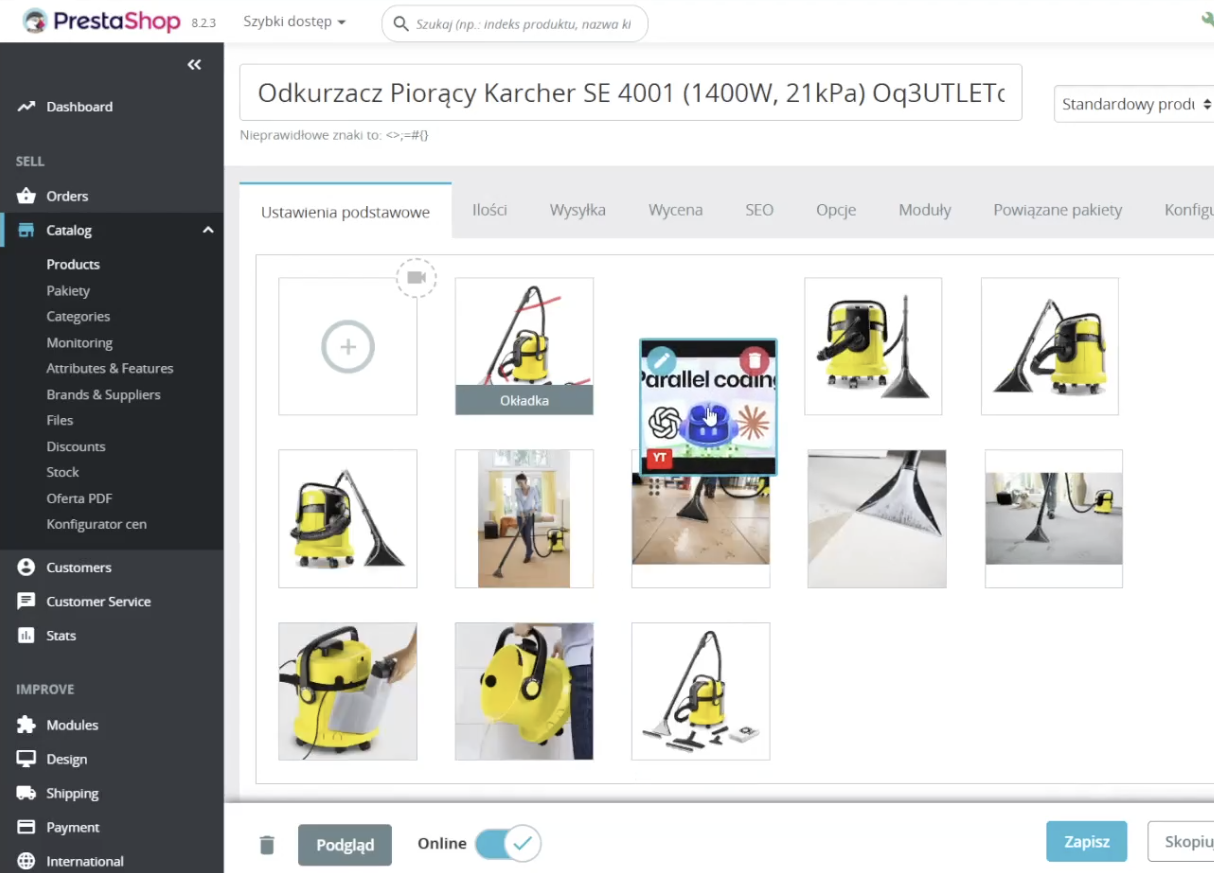
After installing the module, a video management section appears in the product edit page. Simply paste the YouTube or Vimeo video link, optionally add a description, and save changes. Videos will appear in the product gallery alongside images, and their order can be adjusted to suit presentation needs.
The module works with PrestaShop from version 1.7.8 and with versions 8.x and 9.x. It requires PHP version 7.1 to 8.4 and the ionCube Loader extension. The module's source code is partially open, allowing for modifications in terms of integration and appearance.
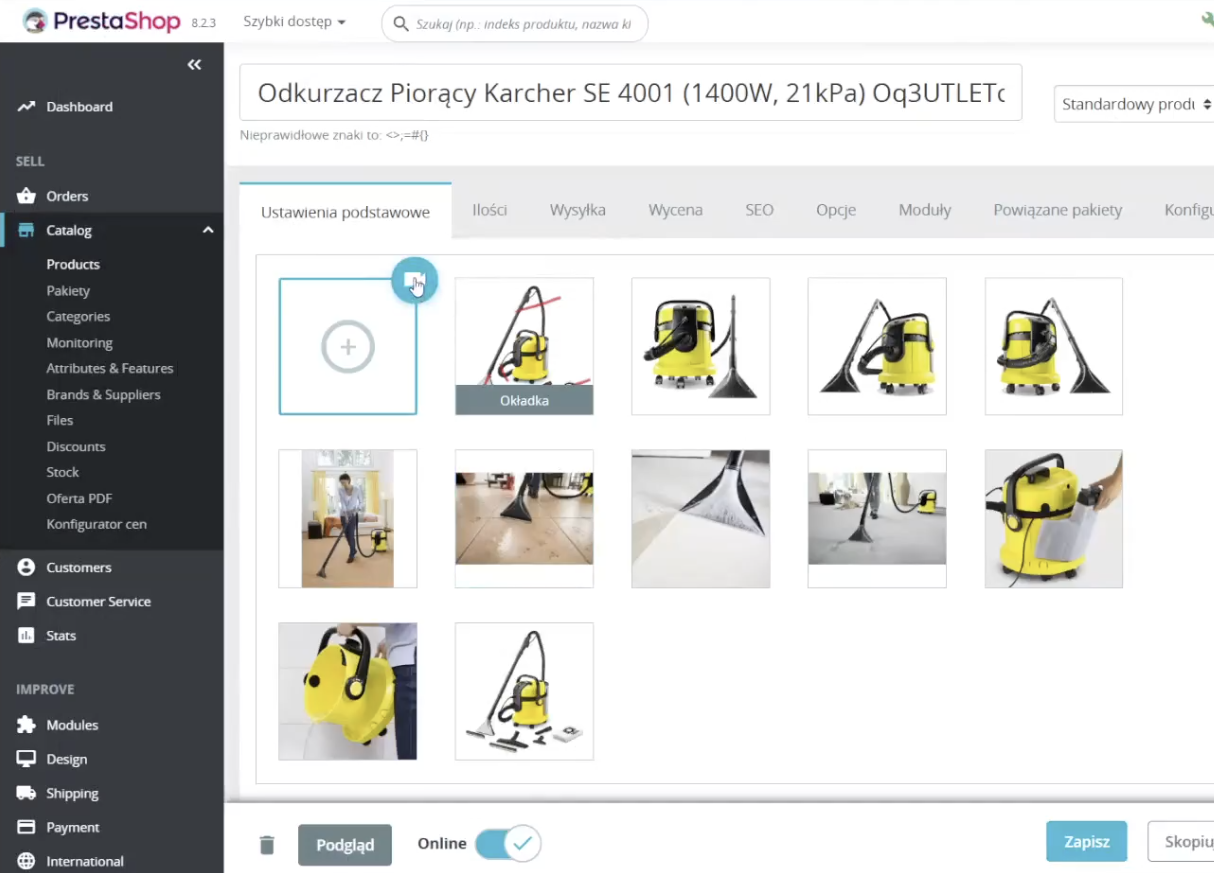
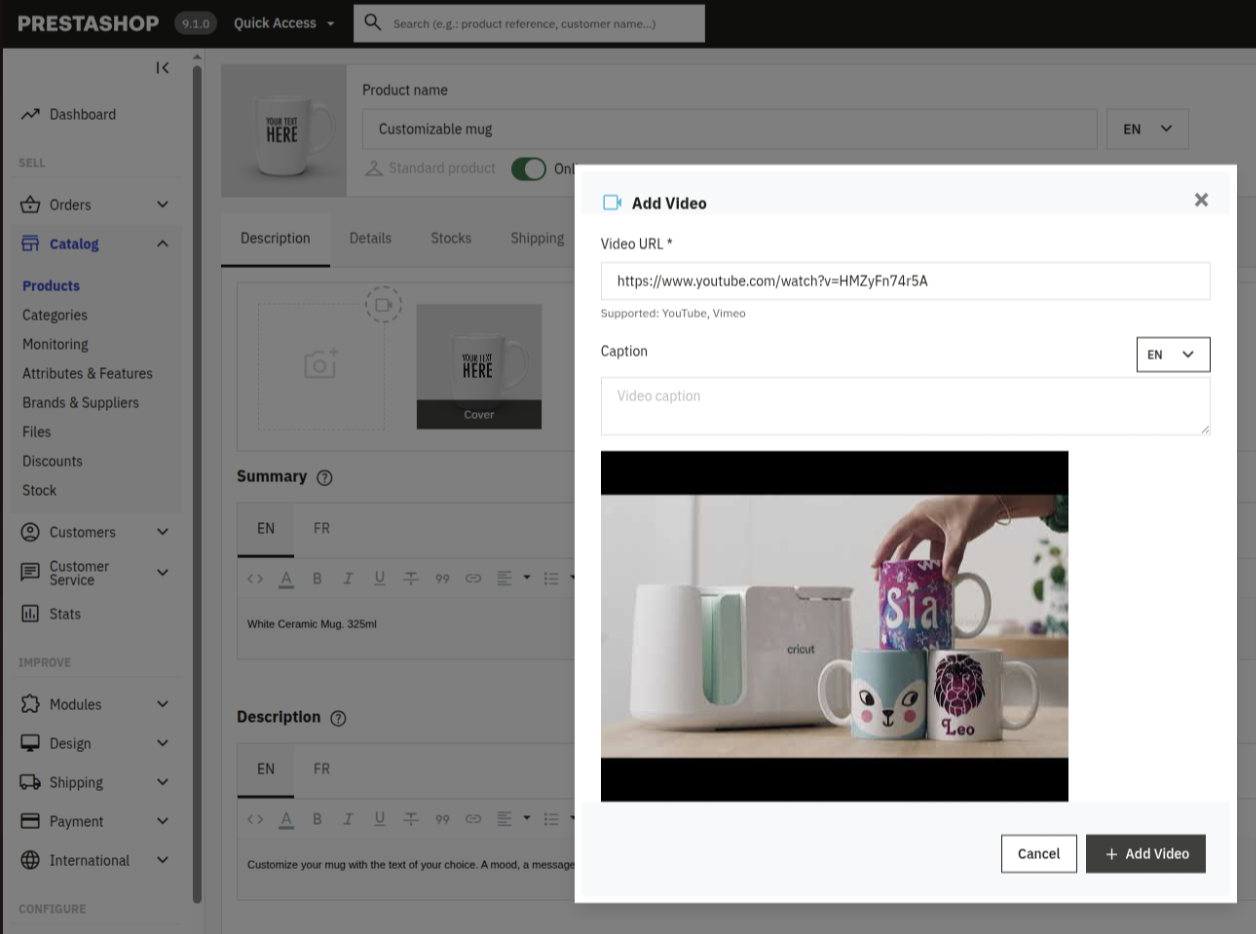
The module supports popular link formats, including watch, embed, shorts, and youtu.be for YouTube, as well as standard Vimeo links.
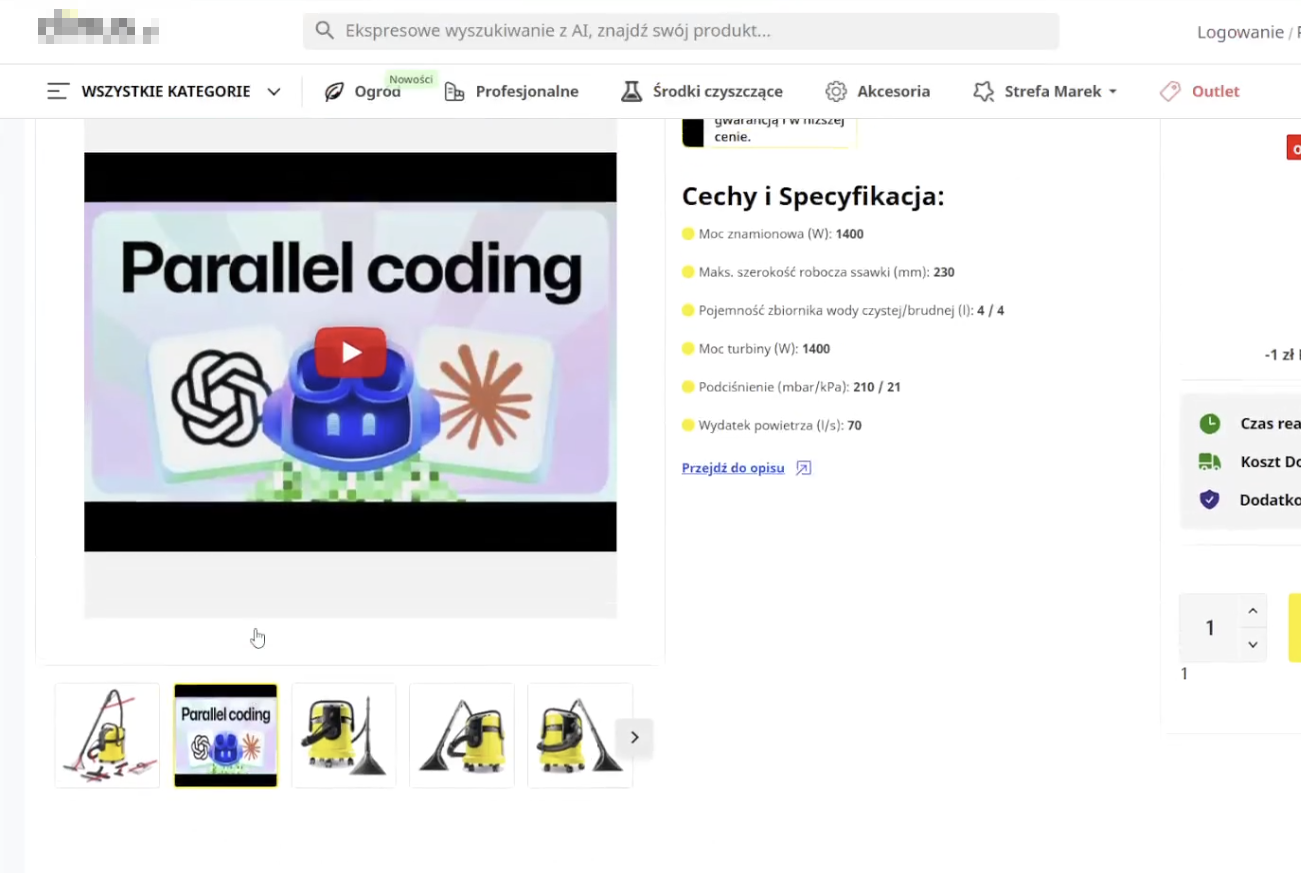
Video thumbnails are automatically fetched and displayed in the product gallery, aiding in their identification.
Videos are embedded alongside images, allowing for cohesive browsing of visual materials.
Adding, removing, and reordering videos is done without page refresh, and drag-and-drop sorting is intuitive.
Video descriptions can be added in various languages, which is beneficial for international stores.
AddonsHub is an independent PrestaShop module directory — we are not the official PrestaShop Addons Marketplace. "Buy" and "Demo" links go directly to vendor websites or official repositories. No software is hosted or distributed by AddonsHub.